X Clipping Explained: How It Works and How Clippers Get Paid
 Founder, klypra – @henri_tmp
X launched native clipping a day ago. We read the rules, the payout program behind it and the fine print, and worked out what it means for anyone who clips streams for money.
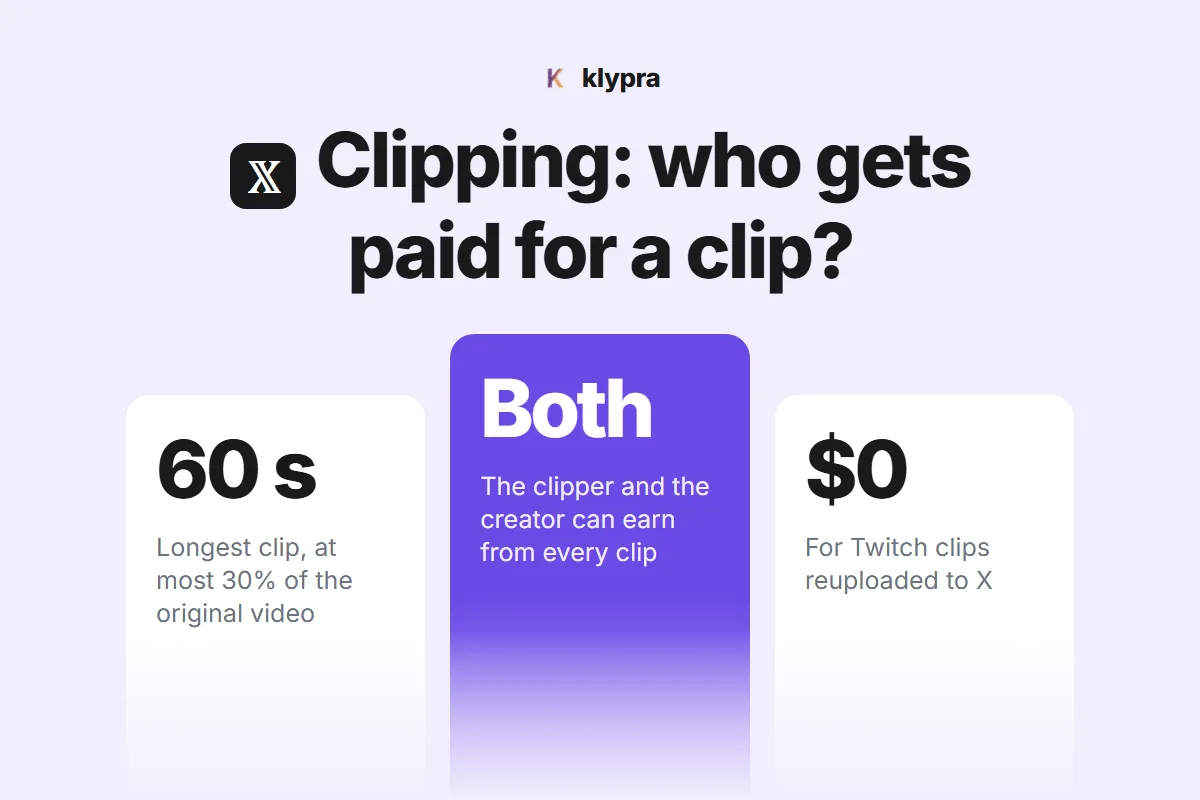
X clipping in one page: the limits, the payout rules and the catch for Twitch clips.
What is X clipping?
X clipping is a native way to cut the best moment out of someone else's video and post it as your own post, with your take on top. X announced it on November 9, 2026 in a launch post from @XCreators that passed a million views within a day, and documented the details on its help page about clipping. The pitch is simple: creators get a credit and a link back on every clip, clippers get a built-in tool, and both can earn from the views.
For the clipping scene this is a big signal. Until now, clipping was something platforms tolerated at best. X is the first large platform to build it into the app and attach payouts to it on purpose.
What are the rules for a clip on X?
A clip is 5 to 60 seconds long and can take up to 30 percent of the original video, which itself has to be pre-recorded and at least 2 minutes long. Everything else follows from those three numbers.
| Rule | What X allows |
|---|---|
| Clip length | 5 to 60 seconds |
| Share of the original | Up to 30 percent |
| Videos you can clip | Pre-recorded, at least 2 minutes |
| Full 60 seconds | Videos longer than 3:20 |
| Livestreams | Not yet |
| Where | X app on iOS and Android, web announced |
| Credit | "Clip from" label linking to the original |
| Creator opt-out | Not yet, X says it is coming |
Two details are easy to miss. The 30 percent cap means short videos give you short clips: a 2-minute video allows 36 seconds at most. And clips depend on the original. If the creator deletes their video, every clip of it disappears too, views and all.
How do you clip a video on X?
Through the repost button, in five taps. You need the latest X app on iOS or Android.
- Find the video and tap the Repost icon.
- Tap Clip video.
- Drag the handles on the trimmer to pick 5 to 60 seconds. An alert appears if you go past 30 percent of the original.
- Tap Next to add the clip to a post.
- Write your commentary and tap Post.
If "Clip video" does not show up, the video is either a livestream, shorter than 2 minutes, or your app is out of date.
Who gets paid when a clip gets views?
Both sides, as long as each is enrolled in X's Original Content Rewards program. Engagement on your clip counts towards your earnings the same way as any other post you make. The creator whose video you clipped earns from your clip as well, calculated like earnings from embedded reposts of their content.
Clip earnings are paid with the regular Original Content Rewards payouts, every two weeks, with a minimum payout of $30. Clips do not count towards X's Video Kickstart Bonus, because a clip is a post of someone else's video.
X has not published a rate per view. Payouts are based on qualified impressions, which X defines narrowly: unique views from Premium subscribers on the Home Timeline, with at least half of the post on screen. Views from people without Premium, repeat views from the same account and promoted views do not count.
What do you need to qualify for Original Content Rewards?
A paid subscription and an audience that already exists. X lists these requirements at the time you apply, and you have to keep the subscription and the original-content standard to stay in.
| Requirement | What X asks for |
|---|---|
| Subscription | X Premium, Premium+ or Premium Business |
| Verified followers | At least 500 |
| Impressions | 500,000 from verified users in 90 days, replies excluded |
| Age | 18 or older |
| Country | One of about 120, incl. Germany, the UK and the US |
| Approval | X reviews each application, one appeal, then 42 days to reapply |
For a brand-new clip account this is the real barrier. Half a million verified impressions in three months is not where most clippers start. Clipping on X earns once an account has already grown, which makes it a second income for established accounts rather than a way in.
Can you clip Twitch streams with X clipping?
No, and this is the part most launch coverage skips. X clipping works only on videos that are already on X, and only on pre-recorded ones. A Twitch stream is neither. The feature is built for X creators clipping other X creators.
The obvious workaround does not pay either. The Original Content Rewards rules exclude "cross-platform reposts", meaning content taken from another platform and posted by someone other than the original creator, as well as videos downloaded and reuploaded, minimally edited content such as a clip with a text overlay, and content "created or posted using automated means". A raw Twitch clip uploaded to X falls squarely into that list.
What X does count as original is commentary that adds your own perspective: breaking a moment down, giving context others do not have, building on it. A Twitch moment can still earn on X if it is the material for a post that is genuinely yours, the same line YouTube draws for reused content. Note that X treats originality and copyright separately: a post can count as original and still need the rights to the footage.
What does X clipping mean for Twitch clippers?
In the short run, not a new payout for Twitch clips, but a clear sign of where platforms are heading. Clipping is now a feature a major network ships, credits and pays for, not a grey zone. Three things follow from that.
- Livestreams are next. X writes that live broadcasts "cannot be clipped yet". The moment X opens clipping for live video, the speed of finding moments starts to matter there too.
- Commentary is the currency. Both X and YouTube now pay for what you add, not for the footage itself. The clippers who earn are the ones who spend their time on the take, not on scrubbing VODs.
- Campaigns still pay most for Twitch clips. For Twitch footage posted to TikTok, Shorts or Reels, paid clipping campaigns remain the money, as compared in which platform pays the most for clipping.
Finding the moments is the part we automate. klypra watches the Twitch chat live and sends you the clip minutes after a moment happens, so the time goes into the commentary that X and YouTube actually pay for.
Frequently asked questions
What is clipping on X?
A native feature, launched on November 9, 2026, that lets you cut a 5 to 60 second moment out of someone else’s video on X and post it with your own commentary. Every clip carries a "Clip from" label that links back to the original video.
Can you make money clipping on X?
Yes, if you are enrolled in X’s Original Content Rewards program. Engagement on your clip counts towards your earnings like any other post, and the creator whose video you clipped earns from it too if they are enrolled.
What do you need to earn from clips on X?
Original Content Rewards requires a paid X Premium subscription, at least 500 verified followers, at least 500,000 Home Timeline impressions from verified users in the last 90 days, an age of 18 or older and a country where the program runs. Germany, the UK and the US are on the list. Meeting the bar does not guarantee admission; X reviews every application.
Can you clip Twitch streams with X clipping?
No. X clipping only works on pre-recorded videos that are already posted on X and at least 2 minutes long. Livestreams cannot be clipped yet, and a Twitch stream is not an X video. A Twitch clip you download and upload to X yourself is a cross-platform repost, which Original Content Rewards does not pay for.
How long can a clip on X be?
Between 5 and 60 seconds, and no more than 30 percent of the original video. A 2-minute video allows up to 36 seconds; any video longer than 3 minutes 20 seconds can be clipped for the full 60 seconds.
Can creators stop people from clipping their videos on X?
Not yet. X says it is working on an opt-out. Until then, every eligible video can be clipped, and deleting the original video removes all clips of it.
How we checked this
Everything here comes from X's own sources, read on November 10, 2026: the help page About clipping on X, the Original Content Rewards program page, and the @XCreators launch post from November 9. X notes that clipping may vary by app version and region, and that it can change the rewards program at any time. We will update this article when web clipping, live clipping or the creator opt-out arrive.